
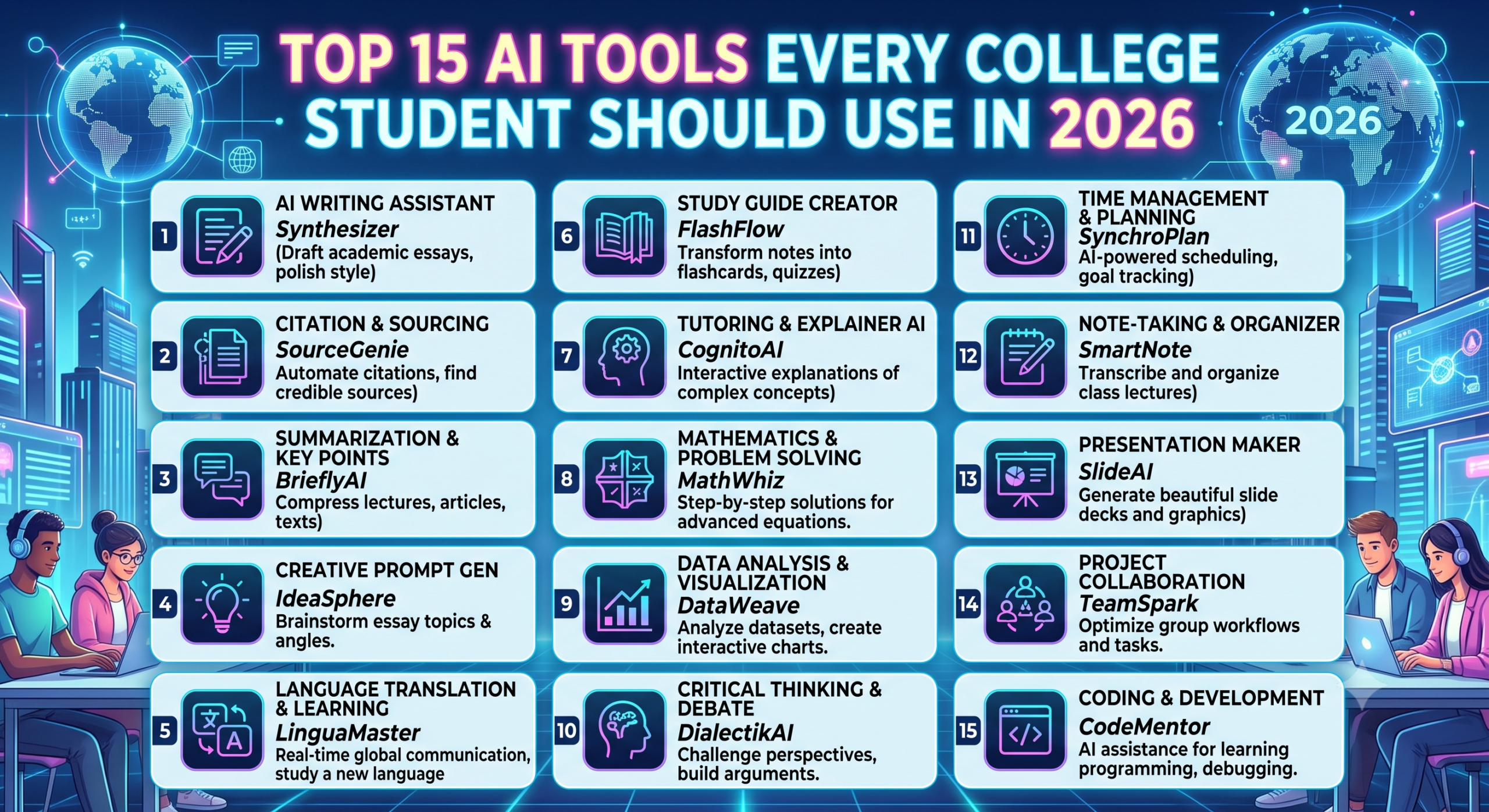
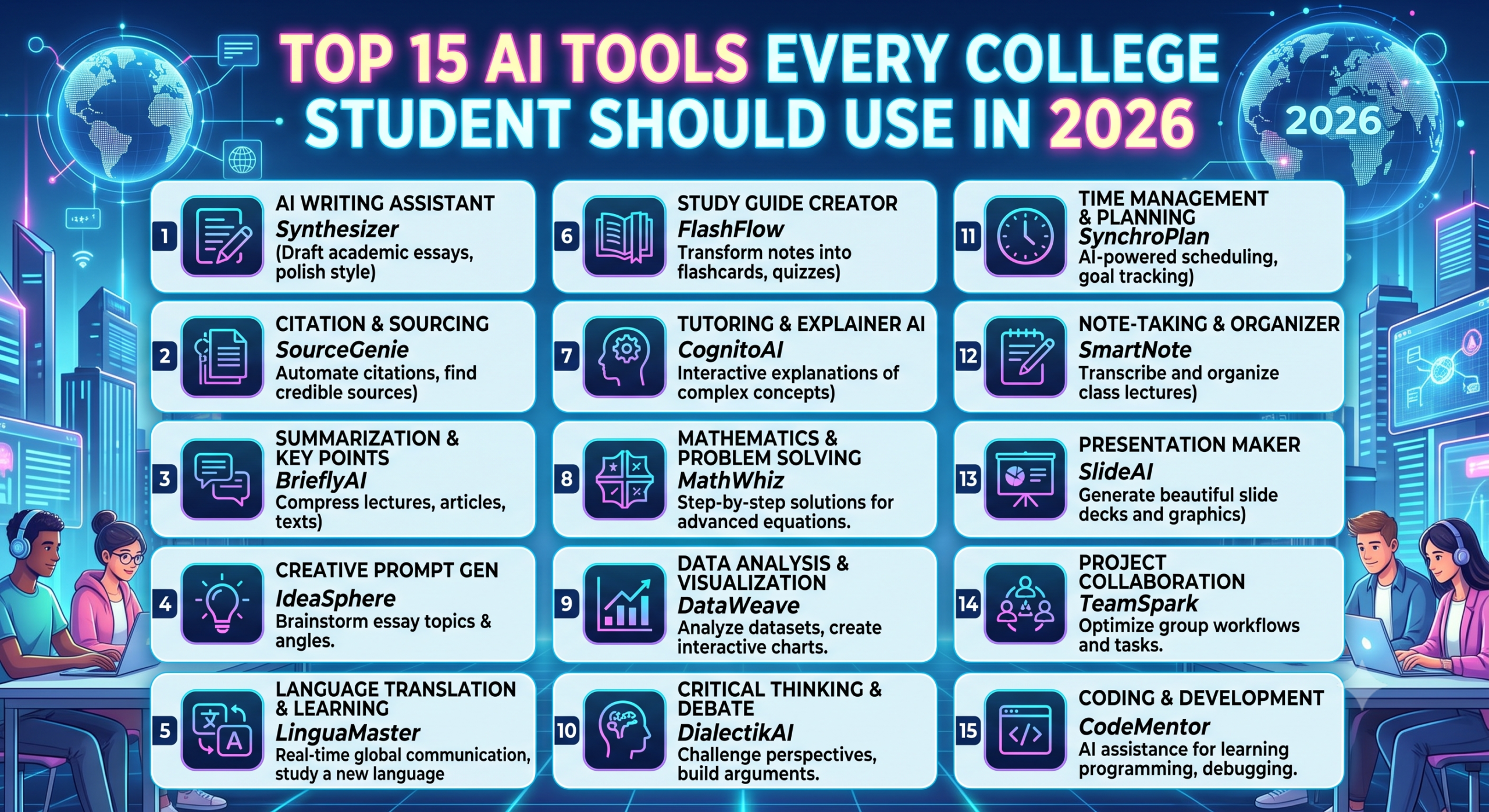
Artificial Intelligence has become an essential part of student life. Whether you’re preparing for exams, writing assignments, coding projects, conducting research, or creating presentations, AI tools can save hours of work.
Among the most popular AI assistants in 2026 are ChatGPT, Google Gemini, and Microsoft Copilot. While all three are powerful, they excel in different areas.
So, which AI tool should students choose?
Let’s compare them feature by feature to help you decide.
Quick Comparison
| Feature | ChatGPT | Google Gemini | Microsoft Copilot |
|---|---|---|---|
| Best For | Learning, coding, writing | Research, Google ecosystem | Microsoft Office productivity |
| Coding Help | ⭐⭐⭐⭐⭐ | ⭐⭐⭐⭐☆ | ⭐⭐⭐⭐☆ |
| Assignment Help | ⭐⭐⭐⭐⭐ | ⭐⭐⭐⭐☆ | ⭐⭐⭐⭐☆ |
| Research | ⭐⭐⭐⭐☆ | ⭐⭐⭐⭐⭐ | ⭐⭐⭐⭐☆ |
| Presentation Creation | ⭐⭐⭐⭐☆ | ⭐⭐⭐⭐☆ | ⭐⭐⭐⭐⭐ |
| Excel Assistance | ⭐⭐⭐⭐☆ | ⭐⭐⭐⭐☆ | ⭐⭐⭐⭐⭐ |
| Creativity | ⭐⭐⭐⭐⭐ | ⭐⭐⭐⭐☆ | ⭐⭐⭐⭐☆ |
| Ease of Use | ⭐⭐⭐⭐⭐ | ⭐⭐⭐⭐☆ | ⭐⭐⭐⭐☆ |
| Ideal Student | All students | Research-focused students | Office productivity users |
1. ChatGPT
What is ChatGPT?
ChatGPT is an AI assistant developed by OpenAI. It helps students understand concepts, solve problems, write content, debug code, prepare for interviews, and learn almost any subject through natural conversations.
Best Features
- Explains complex concepts in simple language
- Excellent coding support
- Solves math step by step
- Generates notes and summaries
- Helps with resume writing
- Creates presentations and reports
- Brainstorms project ideas
- Supports multiple languages
Best For
- Engineering students
- Computer Science students
- MBA students
- Medical aspirants
- UPSC preparation
- Competitive exams
- Coding interviews
- Assignment writing
Pros
✅ Excellent explanations
✅ Strong programming support
✅ Great writing assistance
✅ Interactive learning experience
✅ Highly versatile across subjects
Limitations
- Advanced features may require a paid subscription.
- Students should verify facts and cite reliable sources when using AI-generated content.
2. Google Gemini
What is Google Gemini?
Google Gemini is Google’s AI assistant that integrates with Search, Gmail, Docs, Drive, Maps, and other Google services. It’s especially useful for research and finding up-to-date information.
Best Features
- Strong web-based research
- Google Search integration
- Gmail assistance
- Google Docs support
- Summarizes long documents
- Image understanding
- Helps organize study materials
Best For
- Research projects
- Report writing
- Literature reviews
- Current affairs
- Google Workspace users
Pros
✅ Excellent for online research
✅ Great integration with Google apps
✅ Useful for document summarization
✅ Convenient for students already using Google services
Limitations
- Coding explanations may not always be as detailed as ChatGPT.
- Responses can vary in depth depending on the topic.
3. Microsoft Copilot
What is Microsoft Copilot?
Microsoft Copilot is Microsoft’s AI assistant integrated into Windows, Microsoft 365, Word, Excel, PowerPoint, Outlook, and Teams. It is ideal for students who frequently use Microsoft Office.
Best Features
- PowerPoint creation
- Excel formula assistance
- Word document writing
- Email drafting
- Data analysis
- Meeting summaries
- Productivity improvements
Best For
- Business students
- Office work
- Internship tasks
- Professional documentation
- Corporate productivity
Pros
✅ Excellent Office integration
✅ Great for Excel and PowerPoint
✅ Saves time on routine tasks
✅ Ideal for internship and workplace preparation
Limitations
- Many advanced capabilities depend on Microsoft 365 subscriptions.
- Less focused on conversational learning than dedicated AI chat assistants.
Feature-by-Feature Comparison
Coding
Winner: ChatGPT 🏆
ChatGPT provides detailed code explanations, debugging support, and assistance across multiple programming languages.
Research
Winner: Google Gemini 🏆
Gemini’s integration with Google services makes it particularly useful for researching current topics and summarizing information.
Presentations
Winner: Microsoft Copilot 🏆
If you frequently use PowerPoint, Copilot can significantly speed up presentation creation.
Writing
Winner: ChatGPT 🏆
ChatGPT excels at generating essays, reports, emails, blog posts, and creative content while adapting to different writing styles.
Excel
Winner: Microsoft Copilot 🏆
Copilot simplifies complex formulas, charts, pivot tables, and data analysis within Excel.
Creativity
Winner: ChatGPT 🏆
From project ideas to storytelling and brainstorming, ChatGPT offers a highly flexible creative experience.
Everyday Student Productivity
Winner: Google Gemini 🏆
Gemini works seamlessly with Gmail, Google Docs, Drive, and Calendar, making it convenient for day-to-day academic tasks.
Which AI Tool Should You Choose?
Choose ChatGPT If You Want
- Better understanding of difficult topics
- Programming help
- Assignment assistance
- Interview preparation
- Career guidance
- Brainstorming and writing support
Choose Google Gemini If You Want
- Faster online research
- Google Docs integration
- Gmail assistance
- Current information
- Help organizing your Google Workspace
Choose Microsoft Copilot If You Want
- Excel automation
- PowerPoint creation
- Word document assistance
- Office productivity
- Preparation for workplace tools
Can Students Use More Than One AI Tool?
Absolutely.
Many students benefit from using different tools for different tasks:
- ChatGPT to understand concepts and practice coding.
- Google Gemini to research recent information and manage Google Workspace.
- Microsoft Copilot to prepare presentations, analyze spreadsheets, and work with Microsoft Office.
Using the strengths of each tool can improve both learning and productivity.
Tips for Using AI Responsibly
AI is a learning assistant, not a replacement for your own thinking.
Use AI to:
- Understand concepts
- Practice coding
- Generate study notes
- Brainstorm ideas
- Review grammar
- Prepare for interviews
Avoid:
- Copying assignments without understanding them
- Submitting AI-generated work without reviewing it
- Depending entirely on AI for learning
- Ignoring your institution’s academic integrity policies
Final Verdict
There isn’t a single “best” AI tool for every student.
- ChatGPT is the strongest all-round learning companion for studying, coding, writing, and career preparation.
- Google Gemini is ideal for research, current information, and students who rely heavily on Google’s ecosystem.
- Microsoft Copilot shines when working with Word, Excel, PowerPoint, and other Microsoft Office applications.
The smartest approach in 2026 is not choosing one over the others, but learning how to use each tool where it performs best. Students who combine AI with critical thinking, creativity, and subject knowledge will be better prepared for academic success and future careers.
Frequently Asked Questions (FAQs)
Which AI tool is best for college students in 2026?
ChatGPT is a strong all-around choice for learning, coding, writing, and career preparation. Gemini and Copilot are excellent complements depending on your workflow.
Which AI is best for coding?
ChatGPT is widely regarded as one of the best AI assistants for explaining code, debugging, and learning programming concepts.
Is Google Gemini better than ChatGPT?
Gemini is particularly useful for research and integration with Google services, while ChatGPT generally offers deeper conversational learning and coding support.
Is Microsoft Copilot free for students?
Microsoft offers different free and paid experiences. Some advanced Copilot features are available only with certain Microsoft 365 plans.
Can AI replace studying?
No. AI can accelerate learning and improve productivity, but students still need to understand concepts, practice independently, and develop critical thinking skills.