
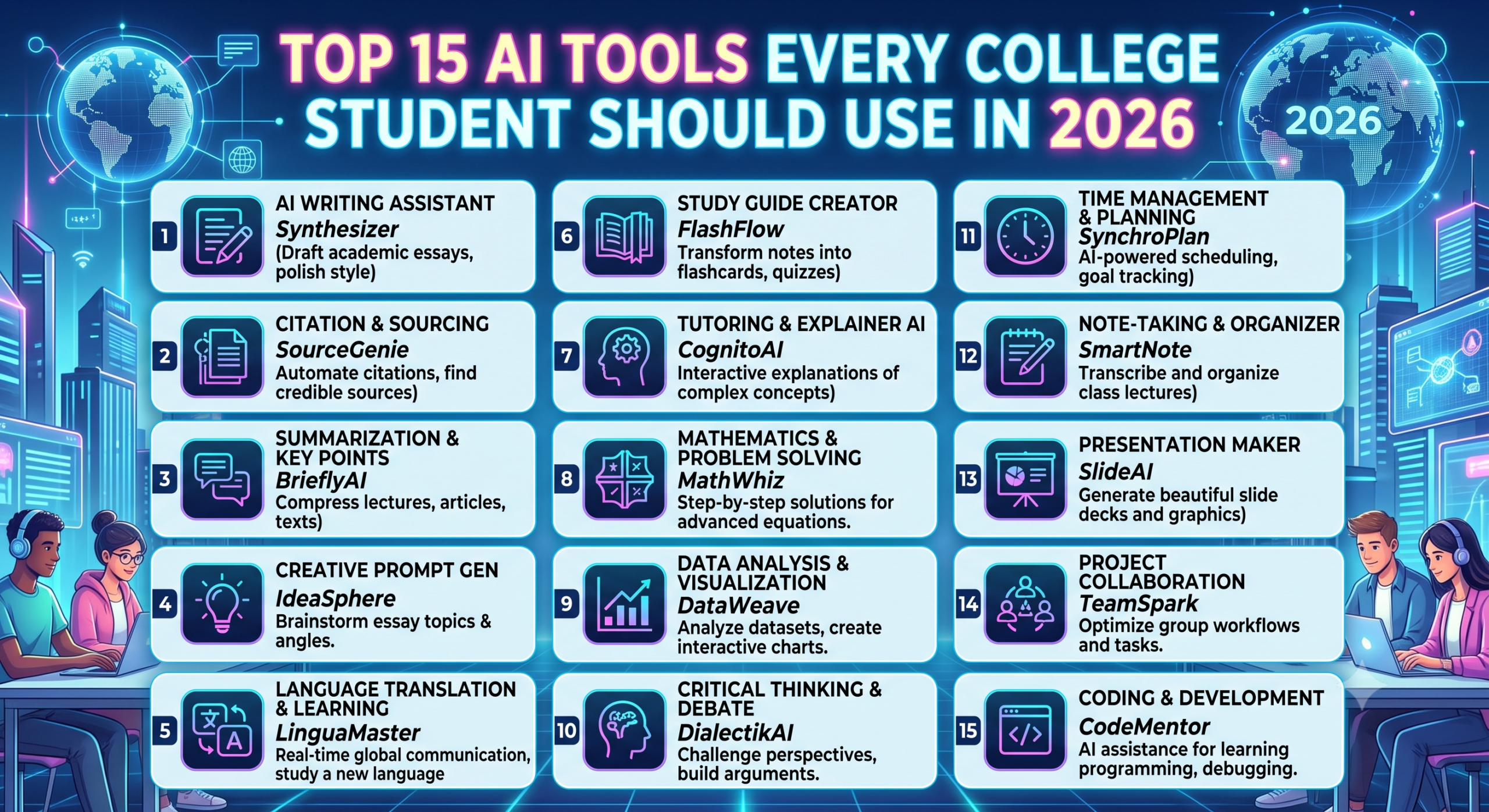
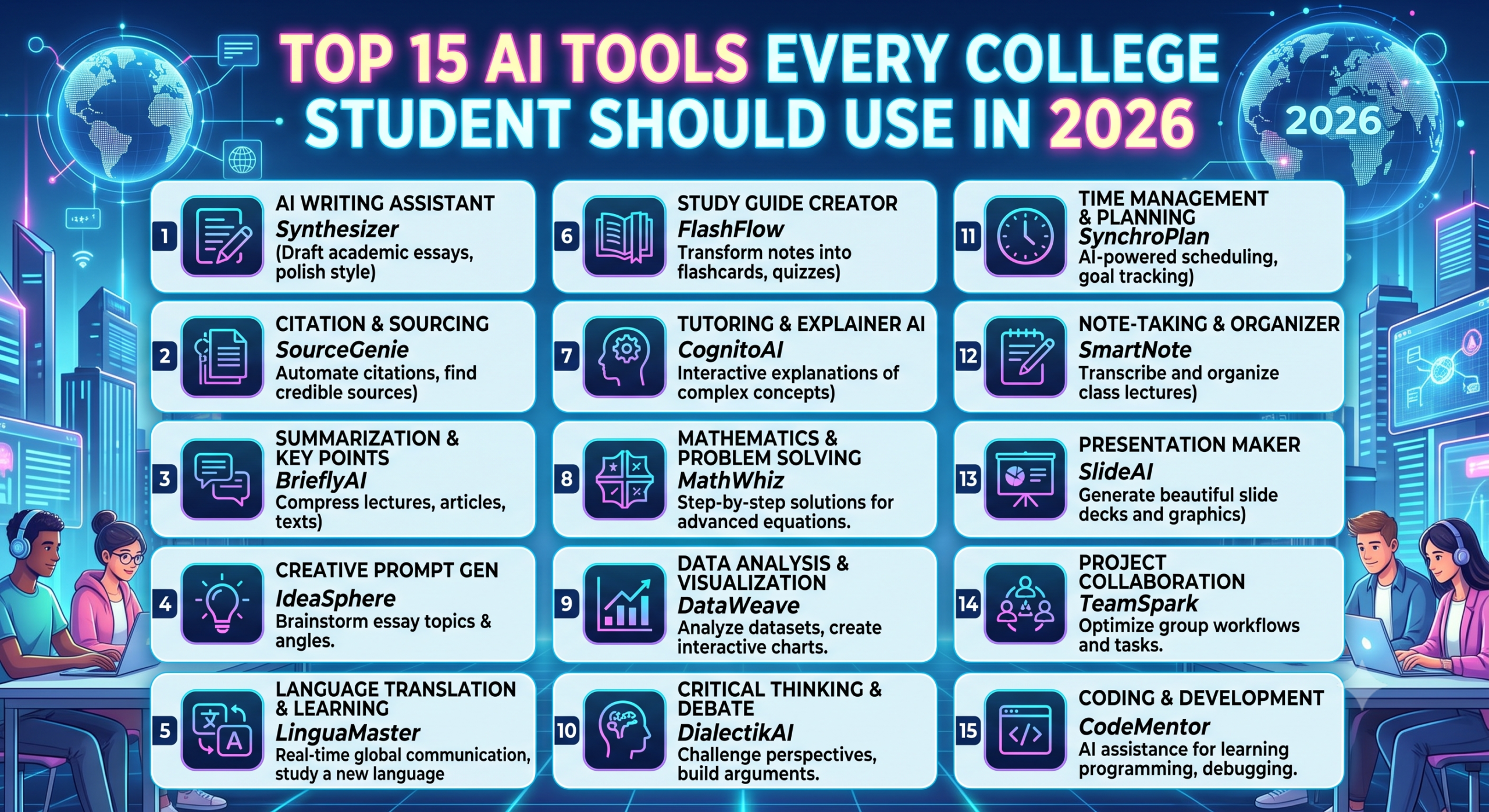
Artificial Intelligence has completely changed how students learn, research, write assignments, and prepare for exams. In 2026, using AI isn’t about taking shortcuts. It’s about studying smarter, saving time, and becoming more productive.
Whether you’re an engineering student, business major, medical student, or preparing for placements, these AI tools can help you improve your academic performance and build career-ready skills.
Let’s explore the 15 best AI tools every college student should start using in 2026.
1. ChatGPT
One of the most powerful AI assistants available today.
Best For
- Assignment help
- Coding assistance
- Resume writing
- Interview preparation
- Explaining difficult concepts
- Brainstorming project ideas
Why Students Love It
Instead of spending hours searching through multiple websites, students can ask questions and receive detailed explanations instantly.
Free Version: Yes
2. Google Gemini
Google Gemini integrates directly with Google Workspace and provides powerful research capabilities.
Best For
- Research papers
- Gmail assistance
- Google Docs
- Data analysis
- Summarizing PDFs
Key Feature
Excellent integration with Google’s ecosystem makes studying more efficient.
3. Microsoft Copilot
Perfect for students who frequently use Microsoft Office.
Helps With
- PowerPoint presentations
- Excel formulas
- Word documents
- Data analysis
- Professional reports
Ideal for business, management, and engineering students.
4. Perplexity AI
Think of it as an AI-powered search engine with citations.
Best For
- Academic research
- Finding reliable sources
- Literature review
- Fact-checking
Unlike traditional search engines, it provides summarized answers with source references.
5. Notion AI
A productivity powerhouse for students.
Features
- Organize notes
- Generate study summaries
- Create to-do lists
- Project planning
- Meeting notes
Perfect for managing an entire semester.
6. Grammarly AI
Every student writes assignments, emails, and resumes.
Grammarly helps improve:
- Grammar
- Vocabulary
- Sentence structure
- Tone
- Clarity
It also detects plagiarism in premium plans.
7. Canva Magic Studio
Creating presentations has never been easier.
Use It For
- College presentations
- Posters
- Infographics
- Social media projects
- Resume design
AI can generate images, presentations, and design suggestions within minutes.
8. Gamma AI
Forget spending hours creating PowerPoint slides.
Gamma can create professional presentations simply from a prompt.
Example:
“Create a presentation on Artificial Intelligence in Healthcare.”
Within seconds, you’ll have a polished presentation ready to edit.
9. GitHub Copilot
Essential for Computer Science students.
Helps With
- Writing code
- Debugging
- Learning programming
- Understanding algorithms
- Code completion
Supports:
- Python
- Java
- C++
- JavaScript
- React
- SQL
10. Claude AI
Claude excels at reading long documents.
Best For
- Research papers
- Large PDFs
- Report writing
- Summarization
- Academic discussions
Students working on dissertations and final-year projects will find it especially useful.
11. Otter.ai
Never miss important lecture notes again.
Otter AI records lectures and automatically converts speech into searchable notes.
Perfect for:
- Classroom lectures
- Seminars
- Workshops
- Group discussions
12. ElevenLabs
Need realistic voiceovers?
ElevenLabs creates natural AI voices.
Useful for:
- College projects
- Video assignments
- Presentations
- Educational YouTube channels
13. NotebookLM
Developed by Google.
NotebookLM allows students to upload:
- PDFs
- Notes
- Research papers
- Lecture slides
Then ask questions based only on those uploaded documents.
It’s like having a personal tutor for your own study material.
14. QuillBot
Excellent writing assistant.
Features include:
- Paraphrasing
- Grammar checking
- Summarizing
- Citation generation
- Academic writing improvement
Useful for essays and reports.
15. DeepL Write & Translator
Perfect for students learning foreign languages or reading international research papers.
Features
- Accurate translation
- Writing improvement
- Better sentence suggestions
- Professional tone
More natural than many traditional translators.
Comparison Table
| AI Tool | Best For | Free Version |
|---|---|---|
| ChatGPT | Writing, Coding, Learning | ✅ Yes |
| Google Gemini | Research | ✅ Yes |
| Microsoft Copilot | Office Work | ✅ Yes |
| Perplexity AI | Research | ✅ Yes |
| Notion AI | Productivity | Limited |
| Grammarly | Writing | ✅ Yes |
| Canva Magic Studio | Design | Limited |
| Gamma AI | Presentations | Limited |
| GitHub Copilot | Coding | Student access available |
| Claude AI | Long Documents | Limited |
| Otter.ai | Lecture Notes | Limited |
| ElevenLabs | Voice Generation | Limited |
| NotebookLM | Research | ✅ Yes |
| QuillBot | Paraphrasing | ✅ Yes |
| DeepL | Translation | ✅ Yes |
How to Use AI Responsibly
AI is a powerful assistant, but it shouldn’t replace your own learning. To get the most value:
- Use AI to understand concepts, not just generate answers.
- Verify facts from trusted academic sources.
- Avoid copying AI-generated content directly into assignments.
- Add your own insights and critical thinking.
- Follow your college’s academic integrity policies.
Which AI Tool Should You Choose?
Your ideal AI toolkit depends on your goals:
For Engineering Students
- ChatGPT
- GitHub Copilot
- NotebookLM
- Perplexity AI
For MBA & Commerce Students
- Microsoft Copilot
- Canva Magic Studio
- Gamma AI
- Grammarly
For Research Students
- Claude AI
- Perplexity AI
- NotebookLM
- DeepL
For Content Creators
- Canva Magic Studio
- ElevenLabs
- ChatGPT
- Gamma AI
Final Thoughts
AI has become an essential part of modern education. Students who learn to use these tools effectively can save time, improve the quality of their work, and focus more on understanding concepts rather than repetitive tasks.
The key is to use AI as a learning partner, not as a replacement for your own effort. By combining these tools with critical thinking and consistent practice, you’ll be better prepared for college, internships, and future careers in an AI-driven world.
If you haven’t started exploring AI yet, now is the perfect time to build your toolkit and stay ahead in 2026.
Frequently Asked Questions (FAQs)
1. Which AI tool is best for college students in 2026?
ChatGPT is one of the most versatile options for writing, coding, studying, and interview preparation. Pairing it with tools like NotebookLM or Perplexity AI can further enhance research and learning.
2. Are AI tools free for students?
Many popular AI tools offer free versions with core features. Some also provide student discounts or premium plans with advanced capabilities.
3. Can AI help improve academic performance?
Yes. AI can assist with understanding difficult concepts, organizing notes, practicing interview questions, generating study plans, and improving writing. Success still depends on consistent learning and critical thinking.
4. Is it okay to use AI for assignments?
Using AI for brainstorming, explanations, and proofreading is generally acceptable, but submitting AI-generated work as your own may violate your institution’s academic integrity policies. Always follow your college’s guidelines.
5. Which AI tool is best for coding students?
GitHub Copilot is a popular choice for code completion and debugging, while ChatGPT is useful for explaining programming concepts, fixing errors, and learning new technologies.